
DYNAMICS 365 ADD HTML BUTTON
In Dynamics 365, we can use Web Resources to add buttons to forms.
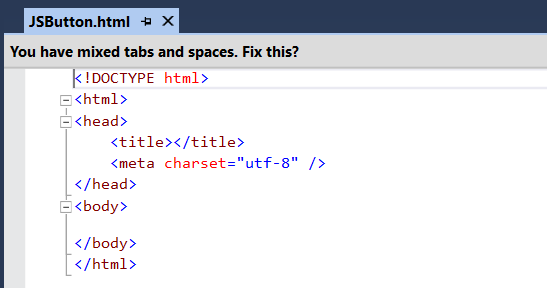
1st Create an HTML webresorce.
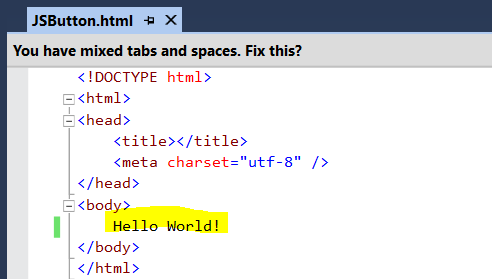
Let’s add some Hello World text and deploy this to see how it looks:
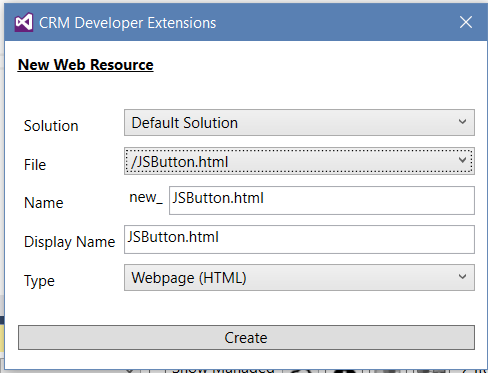
Create a new web resource in CRM and click on create.
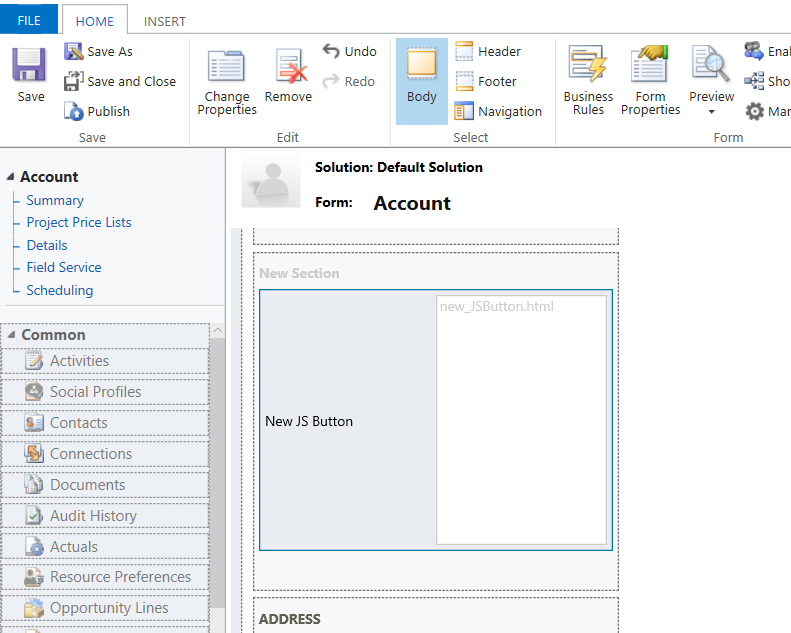
We will add our new web resource to the Account form.
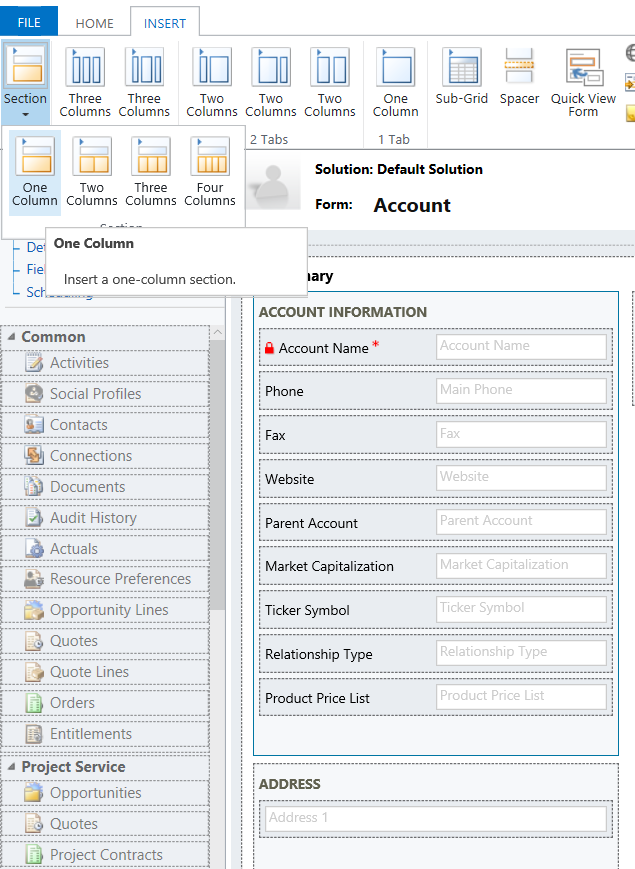
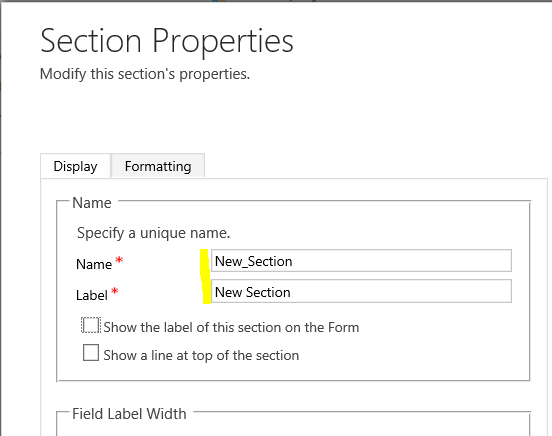
Set the properties on the new section:
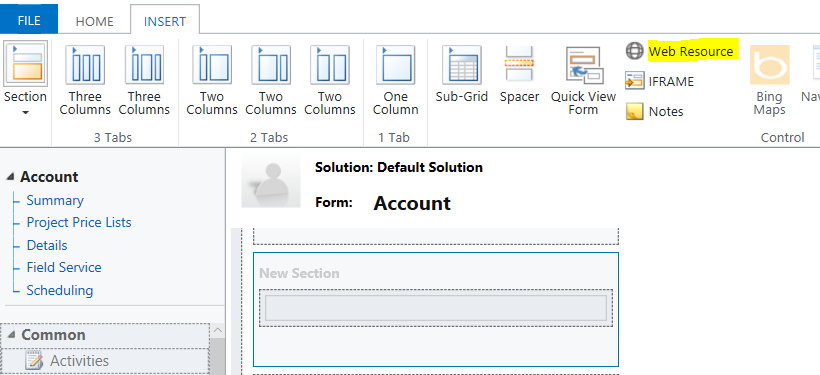
Now add a new Web Resource:
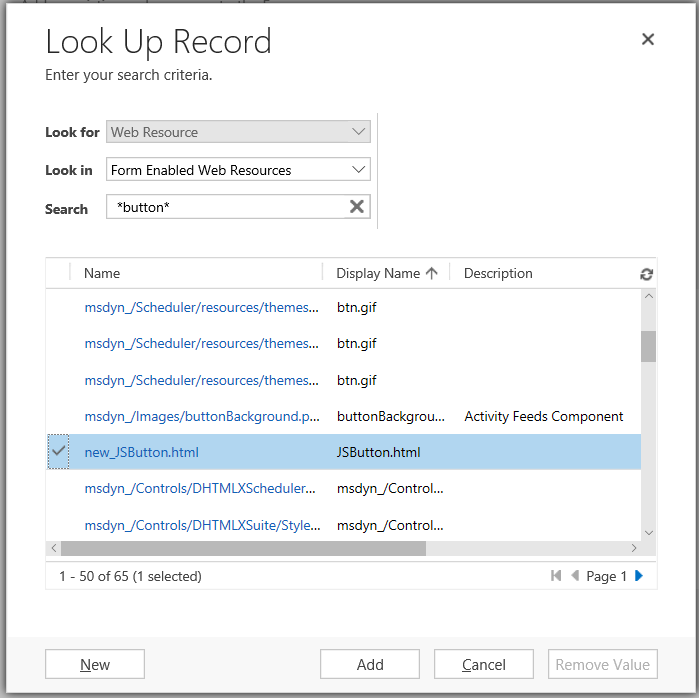
Add the web resource just created:
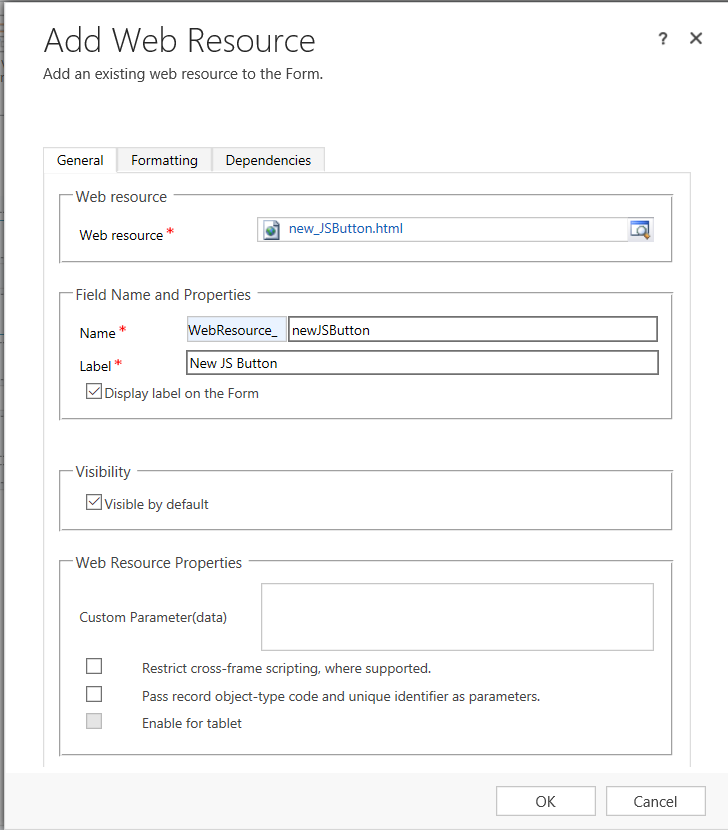
Add the web resource properties:
It should now look like below. Save and Publish:
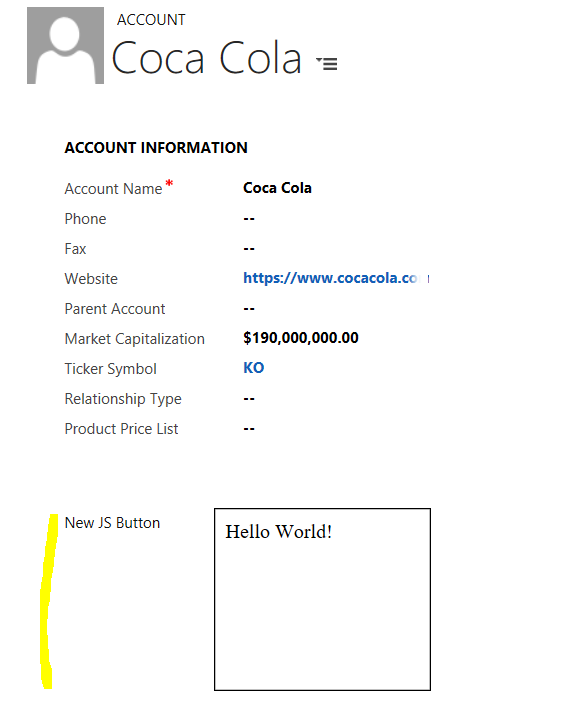
Now if we open an Account, we will see the web resource displayed:
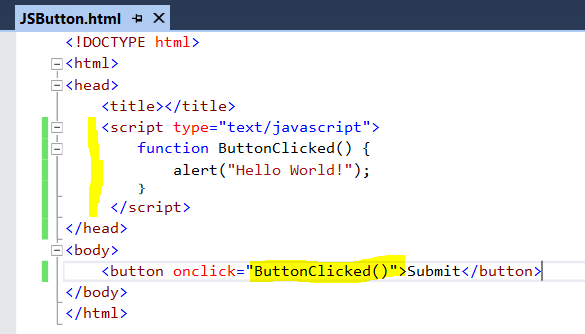
Now let’s add some JavaScript:
<button onclick="ButtonClicked()">Submit</button>
Add the command to display Hello World:
function ButtonClicked() {
    alert("Hello World!");
}
Save and Publish. Now refresh
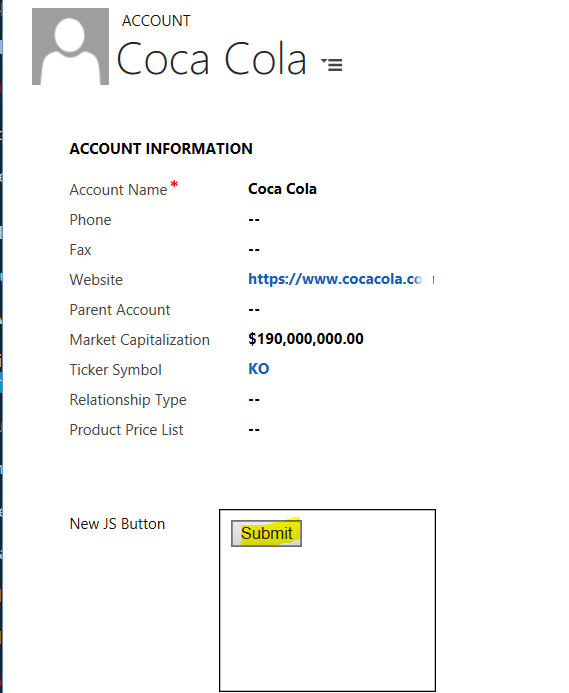
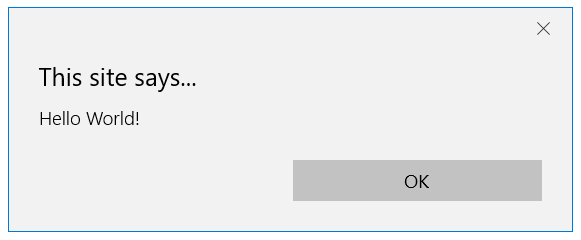
This displays:

No comments:
Post a Comment